
picoCAD 2
picoCAD 2 is out!
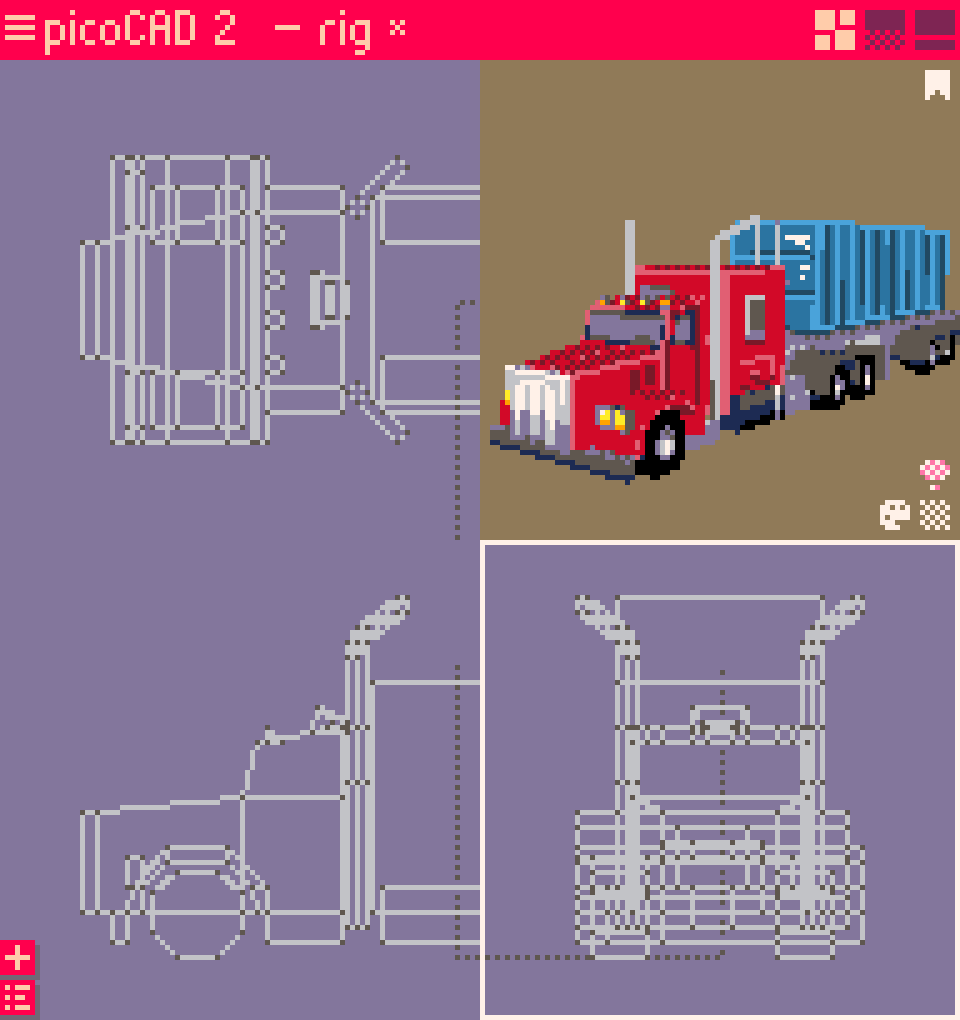
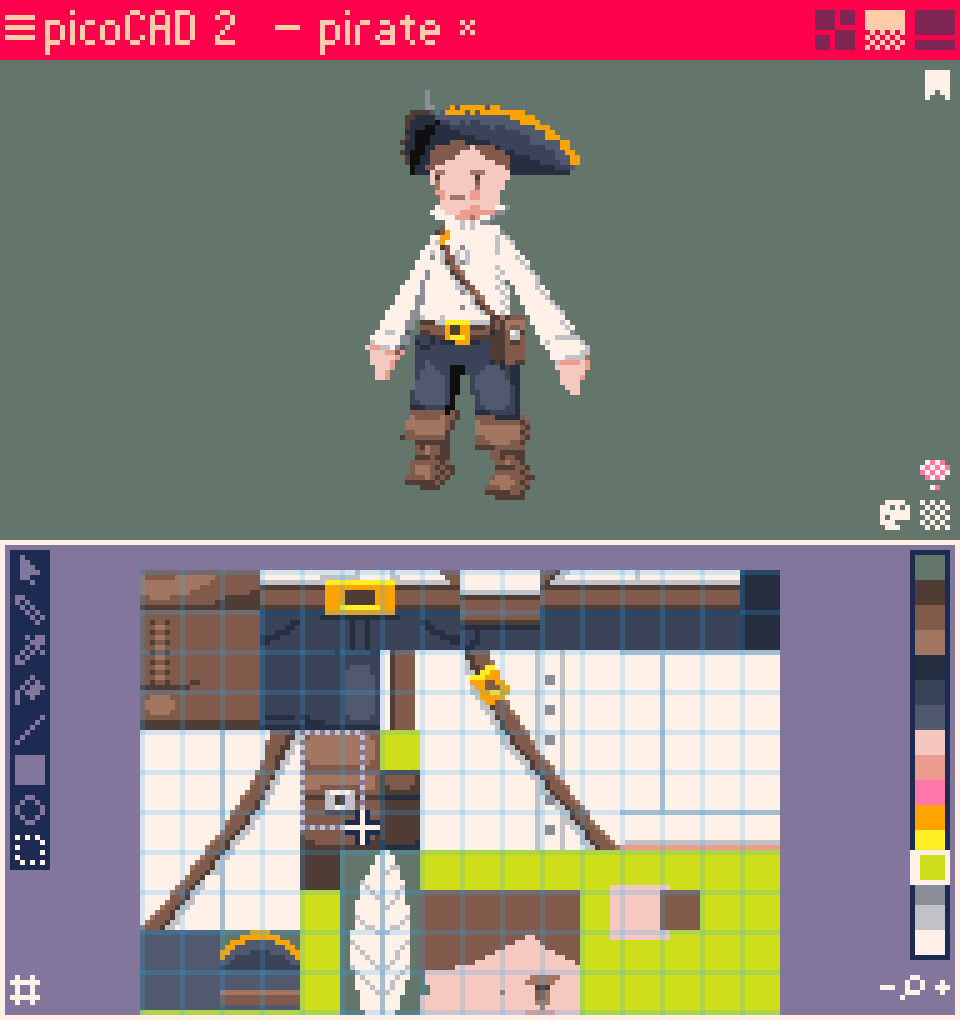
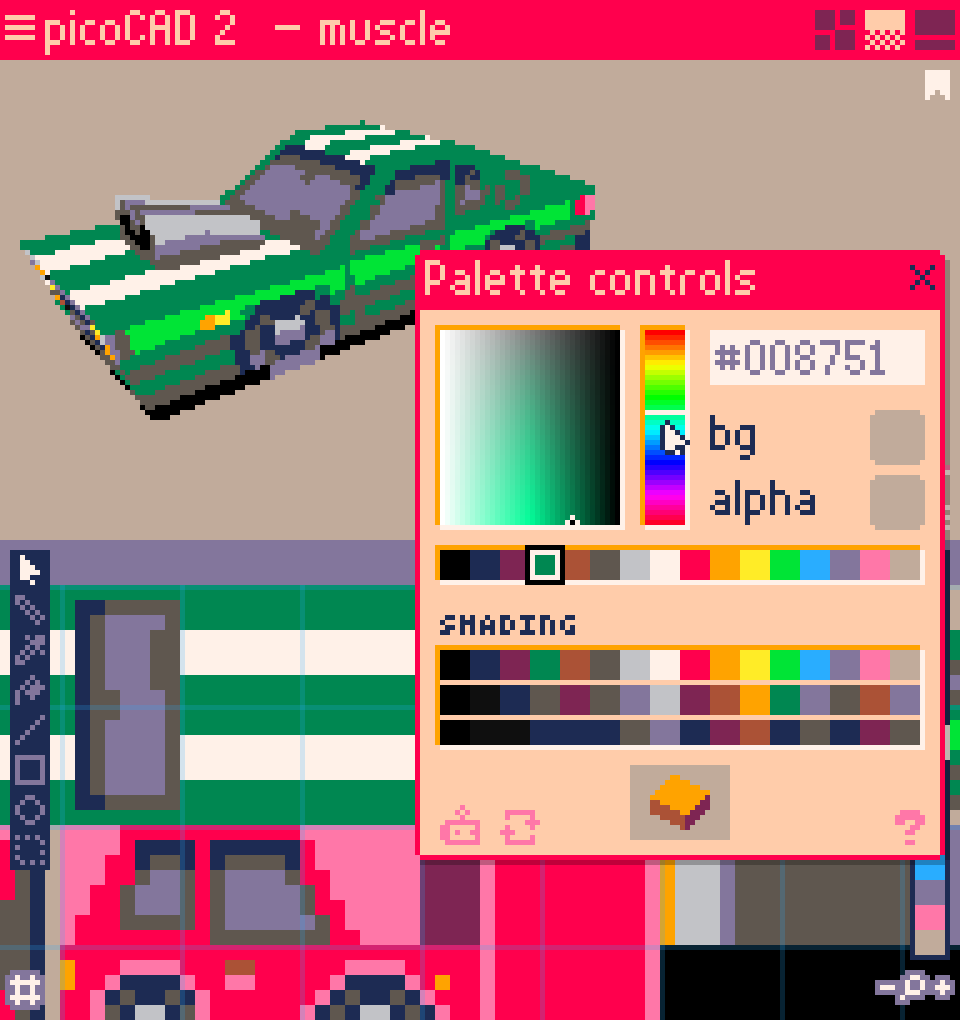
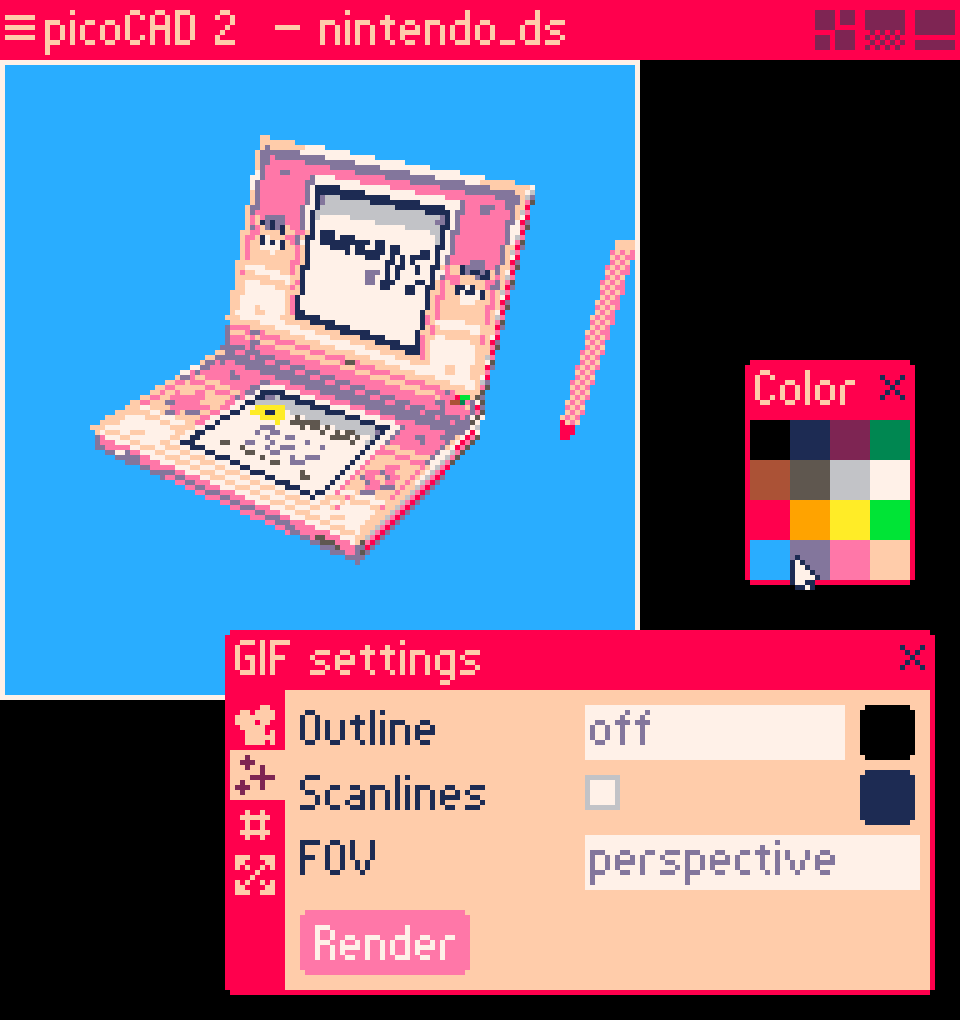
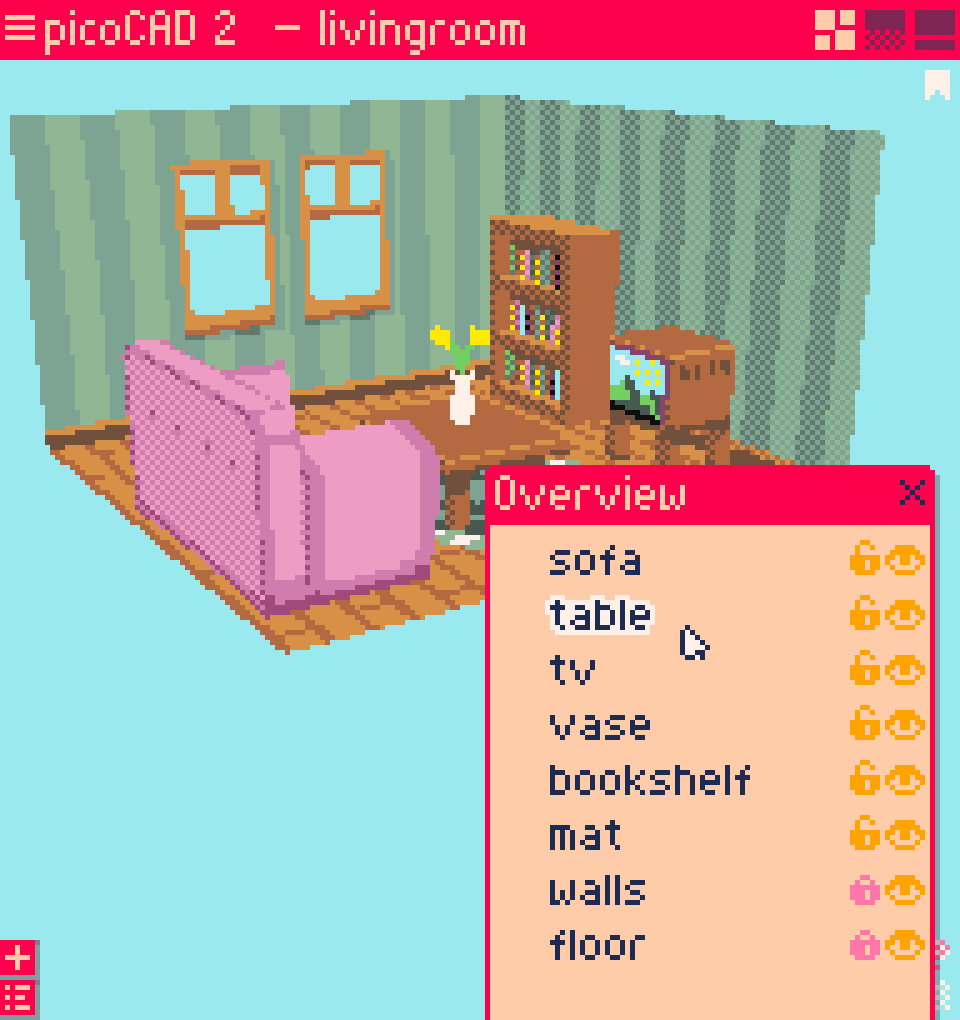
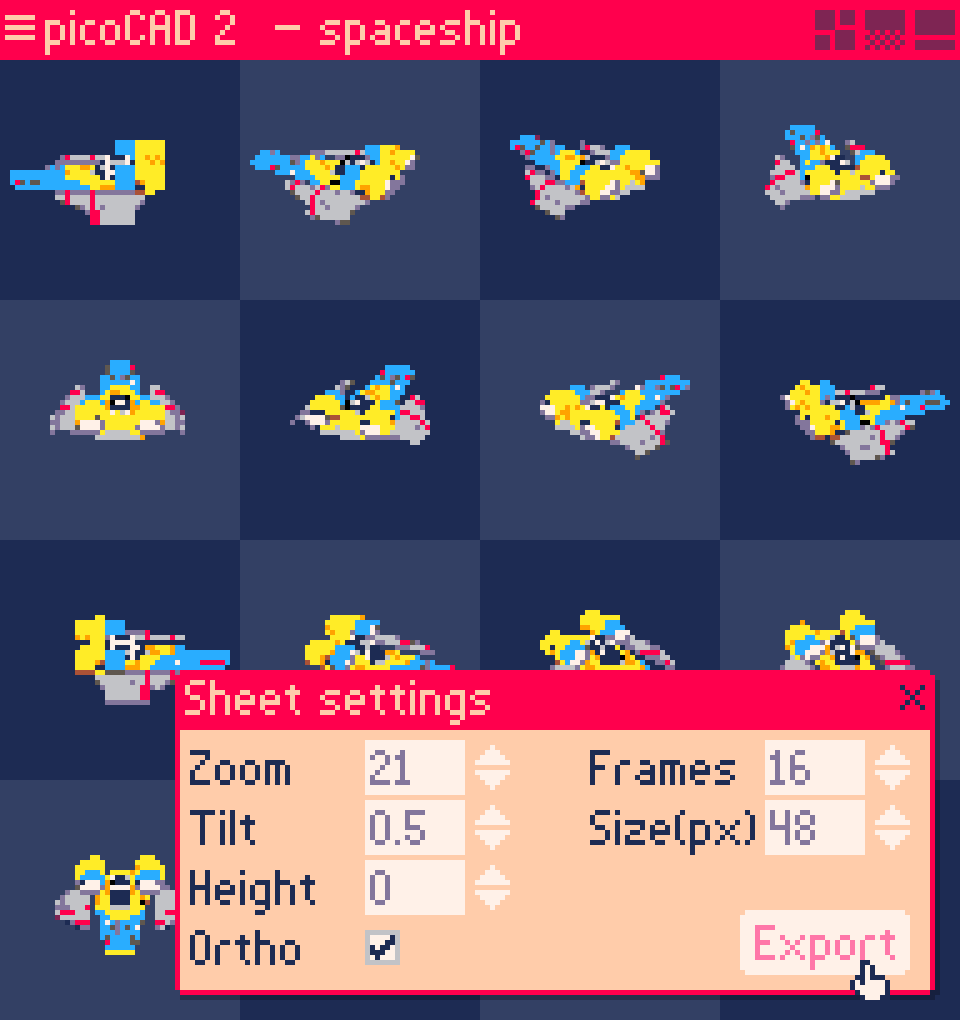
What a launch! Thank you so much for all the kind words and encouragement. It has been an absolute joy seeing models popping up all over social media. You folks are really good at this!
Also hit some really nice milestones including jumping at as the top seller on itch as well as landing on the front page of Steam. Happy times!
First, a small request
If you enjoy the program, please rate it here on itch! It really helps more people to enjoy picoCAD 2.
Second
I'm reading ALL the feedback and trying to decide what should go into the first update. Should have a good idea soon.
One thing that many asked for was a tutorial video to get going so I made one covering the basics of picoCAD 2. Check it out:
Third
We're doing a low-poly modeling jam on itch, come join!
https://itch.io/jam/picocad2-jam-146

(jam gif made by Aaron Shaw)
Again, thank you so much for the positive response.
Johan
Comments
Log in with itch.io to leave a comment.
Very cool. Now you need to create an engine so we can use PicoCAD models to make 3D games in Love :D
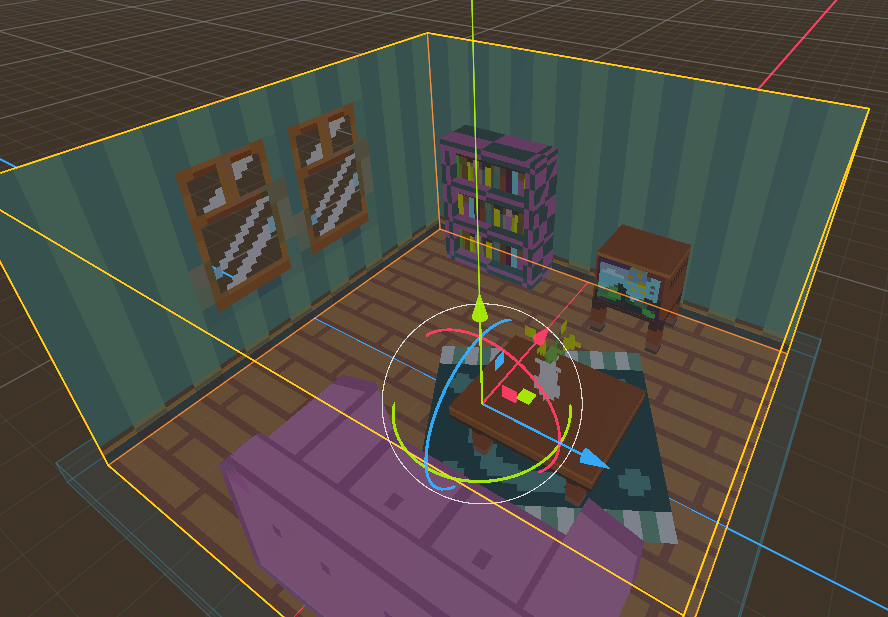
Been playing around with the PicoCAD2 to Godot pipeline using the examples provided and I noticed something strange with the texture of the bookcase in the living room example not having the brown texture but the purple and black texture. This appears to also be the same issue when imported into Blender. The process I take is the following:
- Export from PicoCAD2 to gltf file
- Place bin, gltf, and png file in res folder
- Drag and drop gltf file into 3D Workspace
For Blender I just Drag and drop the gltf file into the workspace and make sure the viewport shading is set to render.
In both cases, it doesn't seem like the bookcase is getting the right texture applied.
Edit: Forgot to include Godot 4.6-stable and Blender 5.0
hey there!
picoCAD has a quick n dirty mode which lets you assign colors to faces without instead of texturing them. When exporting this feature doesn’t exist in most formats so those faces get default uv mapping instead.
Ahhh, okay, okay. With that information, I think I got it figured out. Have to set the face properties to textured. Will try out other properties as well. Thanks!
I love your mesh editor! I was making a heart with an extruded cylinder. I did the following: I duplicated the mesh, flipped the new mesh horizontally, and placed it right next to it, overlapping the vertices. Then I had the "brilliant idea" to join the vertices of these meshes, and voilà!
Error
src/ui/viewport_widget.lua:742: attempt to index local 'v' (a nil value)
Traceback
[love "callbacks.lua"]:228: in function 'handler'
src/ui/viewport_widget.lua:742: in function 'handle_vertex_interaction'
src/ui/interactive_viewport_widget.lua:78: in function 'on_update'
skrovet/gui.lua:342: in function 'update'
skrovet/gui.lua:235: in function 'update'
skrovet/gui.lua:235: in function 'update'
skrovet/gui.lua:235: in function 'update'
skrovet/gui.lua:235: in function 'update'
skrovet/gui.lua:1680: in function 'update'
skrovet/init.lua:241: in function 'update'
skrovet/main_loop.lua:90: in function <skrovet/main_loop.lua:47>
[C]: in function 'xpcall'
thanks for reporting!
Check the backup folder for auto saves!
Hi Johan! I know the software just got released and you're probably getting bombarded with questions and feature requests, but I was curious how robust the workflow of exporting models and reimporting them in game engines is right now. I'm primarily a 2D dev and have a growing interest in trying 3D and was wondering if the gltf export would support getting a model with its textures and animations into an engine like Godot. I read the manual but still wasn't sure and the software is so new I haven't seen any examples or personal experiences posted online. Any clarification would be appreciated!
yes - my todo list keeps growing! :)
I have seen multiple people putting there picocad 2 models both into Godot via gltf but also using the spritesheet feature.
Be aware that the animation system is mostly geared toward the gif export and is not in the exports
Ah, ok. Thank you for the clear and prompt reply! Since the animation system is mostly meant for use in software alone, is making slightly more complex animations with PicoCAD2 models at all possible or would I be trying to push the software a bit too far past its intended purpose at that point? So for example, if I were to make a simple character model in PC2 and wanted to animate it for use in a game, is there any way to go about that since you can't make and export the animations in PC2 directly?
Linux release? 😕
we’re looking in to it!
Let me know if you need testers!
great! best to join the discord and ping me there! https://discord.gg/ZexSFA2Wm9
Unfortunately I'm not on Discord anymore and I'm not going back, permanently deleted my account. Wish it wasn't that way, Apologies 🫤
I am currently in a situation. I just bought this game from here and tried to open it, but it's telling me that "gifcatlib.dill is either not designed to run on Windows, or there was an error in downloading." It's also giving me a whole bunch of other errors. Is there anything that can be done to help?
it works well on windows. Not sure why it is broken in your case.
Do you have full admin rights? Is the an anti-virus software disabling picoCAD’s write permission?
Can you join the discord and we will try to help out?
https://discord.gg/ZexSFA2Wm9
Never mind. It just started working. =)
it's amazing!
glad you like it!
I love tools like this, big props to you for the consistent effort, Johan!
thank you!
I thought it was just a linux/wine problem initially but I just tried on my mac and it seems that export doesnt work; it appears to open something more like a file picker but without any options to save anything
EDIT: Ah, just worked it out, it opens the folder it saves to (based on the saved filename it seems), rather than to a file save dialog
yes, the export is instant. It just shows you where the files are :)